
Guides
"Chatbot Metrics to Track: 9 Numbers That Show If Your AI Chatbot Is Working"
By ZoeyAI · · 7 min read
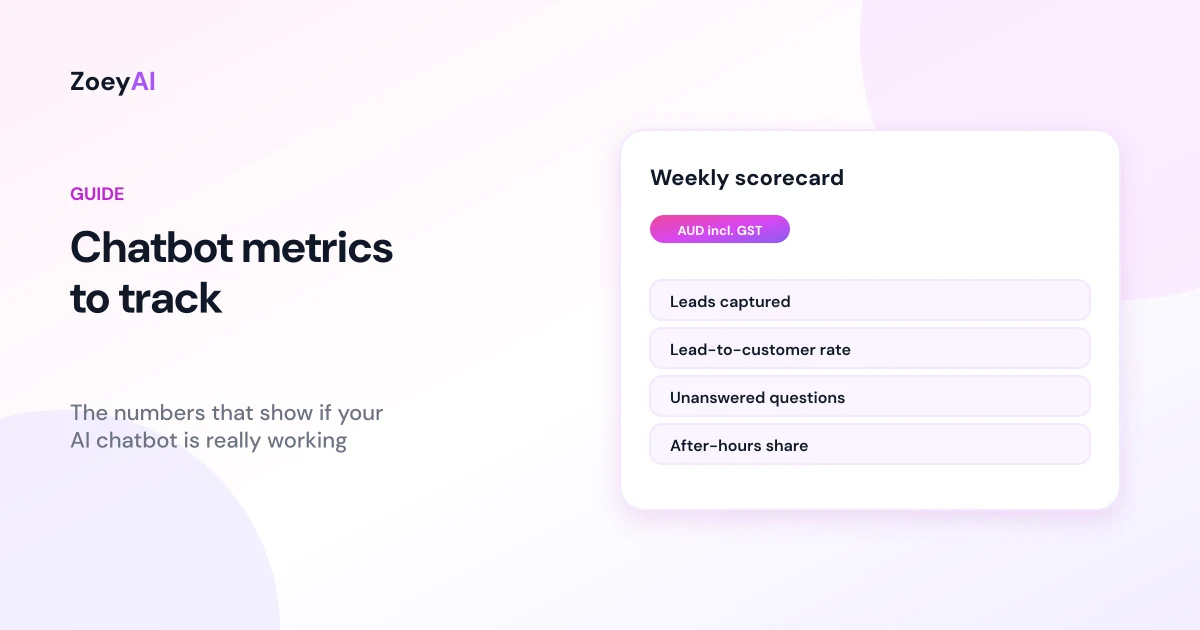
Knowing which chatbot metrics to track is the difference between a website chatbot that quietly earns its keep and one that just sits in the corner of the screen. Most businesses switch a chatbot on, glance at the number of conversations for a week or two and then stop looking. Conversation counts on their own tell you very little. A chatbot can have hundreds of chats and still miss the enquiries that matter, or it can have a handful and win you several new customers.
This guide covers the nine numbers worth watching, what each one tells you, how to measure it and what to do when it moves. It applies to any business using an AI chatbot on its website, from clinics and trades to retailers and professional services. We deliberately do not give "good" benchmark figures: results depend on your industry, traffic and what you ask the chatbot to do, so the most useful comparison is your own numbers month to month.
Start with the goal, not the dashboard
Before choosing metrics, write down what the chatbot is for. For most small businesses the answer is one or two of these:
- Capture more enquiries, especially when nobody is available to answer
- Answer repeat questions so staff spend less time on the phone and inbox
- Get urgent or high-value enquiries to a person quickly
Every metric below links back to one of those goals. If a number does not help you decide what to change, you do not need to track it.
1. Leads captured
The number of conversations where a visitor left contact details and a reason to follow up. This is usually the most important number for a business chatbot. Count it per week or month, and split it by type if you can (quote request, booking request, general enquiry).
If leads are low, read conversations where visitors asked about price or availability and left without leaving details. Often the fix is asking for contact details earlier or more naturally. Our guide to AI chatbots for lead generation covers what to ask and when.
2. Lead capture rate
Leads captured divided by conversations. This shows whether the chatbot turns interest into enquiries. Track it over time rather than against someone else's figure. A falling rate after you change the chatbot's instructions is a sign to review the change.
3. Lead-to-customer rate
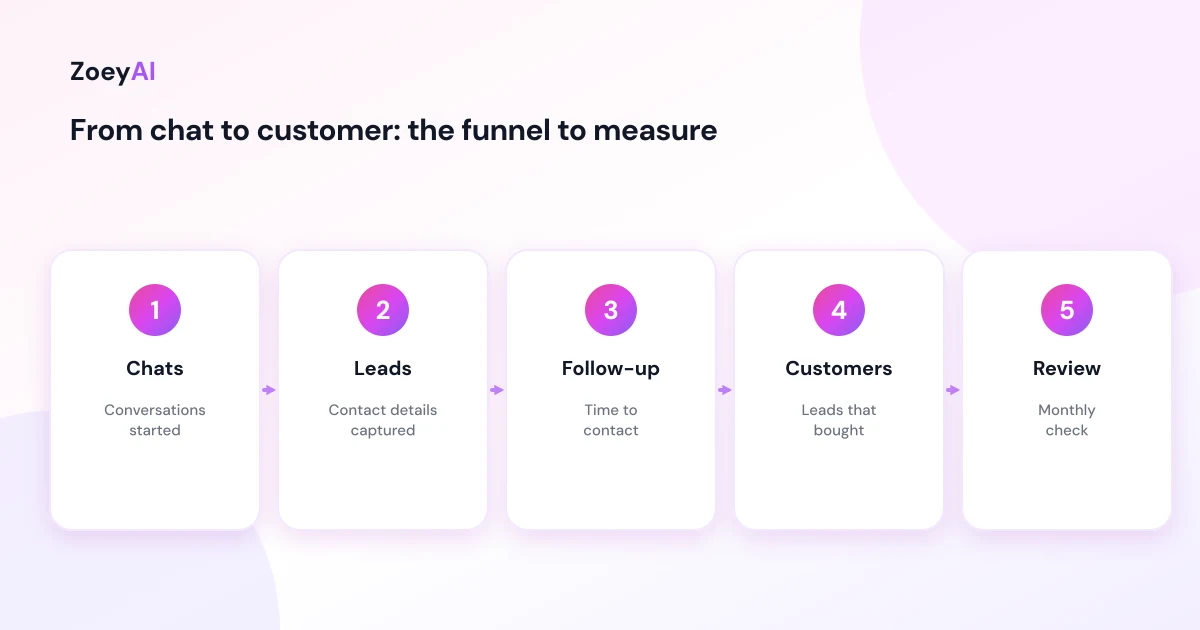
Of the leads the chatbot captured, how many became paying customers? This is the number that tells you whether the chatbot is worth its cost, and it lives outside the chatbot: in your CRM, booking system or a simple spreadsheet. Tag chat leads when they arrive so you can follow them through. Even a rough monthly count ("chat leads: 20, became customers: 4") is far more useful than none.
4. Time to follow up
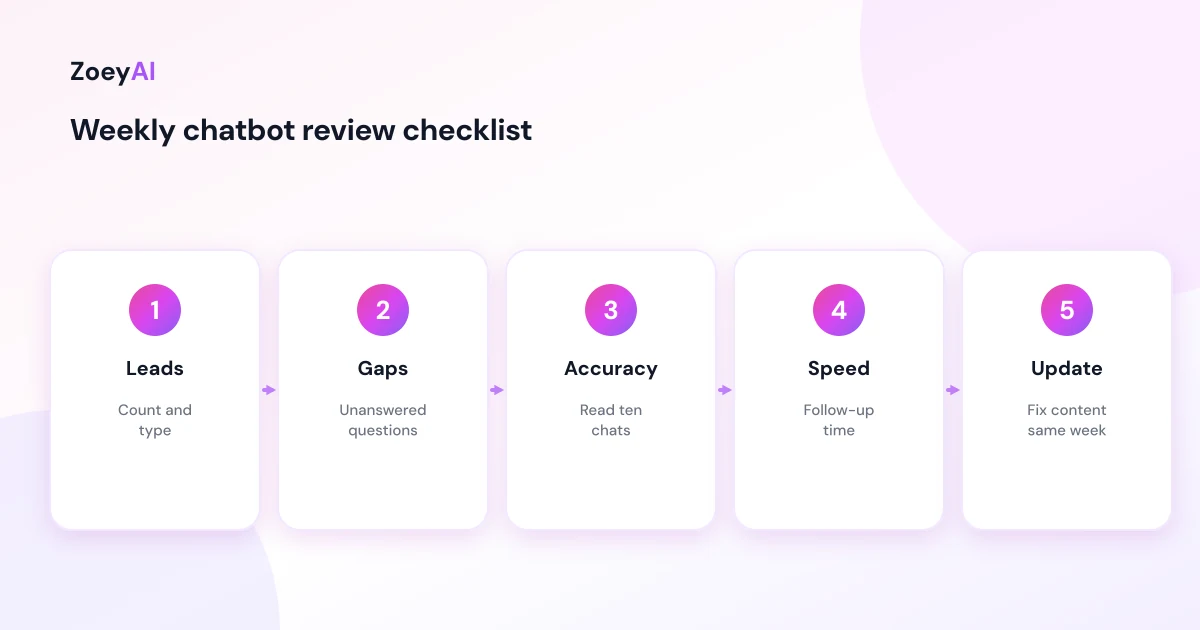
How long it takes your team to contact a lead after the chatbot captures it. A chatbot can capture an enquiry at 9 pm, but if nobody calls until the following afternoon, the customer may have already gone elsewhere. Track the average time and the slowest cases. If follow-up is slow, check that lead notifications go to someone who acts on them.
5. Unanswered and poorly answered questions
Questions where the chatbot said it did not know, gave a vague answer or handed over because it lacked information. This is the most practical improvement metric you have: every unanswered question is a gap in your website content or chatbot knowledge base. Keep a running list, add answers each week and watch the list shrink. Our guide on how to write chatbot FAQs explains how to turn those gaps into clear answers.
6. Accuracy on a sample
Read a sample of conversations each week, for example ten, and mark each answer as correct, partly correct or wrong. Automated scores cannot tell you whether the chatbot quoted last year's price or a policy you changed last month. A person can. Any wrong answer about price, availability, safety or policy should be fixed the same day.
The business.gov.au guide to artificial intelligence for business reminds businesses that they are responsible for what their AI tools do, which is a good reason to keep this manual check in your routine.
7. After-hours share
The share of conversations and leads that happen outside your business hours. This tells you how much of the chatbot's value comes from times nobody would otherwise answer. If a large share of leads arrive at night or on weekends, make sure your after-hours messages set clear expectations about when you will reply.
8. Handover rate and handover speed
How often the chatbot hands a conversation to a person, and how quickly a person picks it up. A handover rate that climbs may mean the chatbot is missing information or its limits are too tight. A slow pickup during business hours means visitors are waiting. Both are fixable: add content for the first, adjust notifications or staffing for the second.
9. Top entry pages and peak hours
Which pages visitors are on when they start chatting, and what times of day are busiest. Entry pages show where visitors get stuck: lots of chats starting on your pricing or services page may mean that page needs clearer information. Peak hours help you plan who watches the chat queue.
Connect the chatbot to your website analytics
If you use Google Analytics, you can record chatbot activity alongside the rest of your website data. Google's guide to events in Google Analytics explains how user interactions are recorded, and marking events as key events explains how to flag the ones that matter most, such as a lead submitted through chat. That lets you compare chat leads with form submissions and phone clicks in one place.
Keep it simple. One key event for "chat lead captured" is usually enough to start with.
Metrics that are easy to over-read
Some numbers look impressive but say little on their own:
- Total conversations. Useful for context, but a rise can mean more interest or a confusing website.
- Messages per conversation. Longer is not better. A short chat that answers the question and captures a lead is a good chat.
- Satisfaction ratings. Helpful when you have enough of them, but only a small share of visitors usually rate a chat, so read the comments rather than relying on the average.
The Nielsen Norman Group's research on the user experience of chatbots is a useful reminder that people judge chatbots by whether they get what they came for, not by how long they chat.
A simple monthly review
Once a month, spend 30 minutes on these questions:
- How many leads did the chatbot capture, and how many became customers?
- How fast did we follow up?
- What were the top unanswered questions, and have we added answers?
- Were there any wrong answers about price, policy or safety?
- What share of leads came after hours?
- Is the chatbot still worth its cost?
For the last question, our guide to AI chatbot cost in Australia includes a simple check for whether a chatbot pays for itself.
Tracking metrics in ZoeyAI
The ZoeyAI dashboard shows conversations, leads captured, lead capture rate, peak chat hours and the pages where customers start chatting, and every conversation transcript is available for review. Basic includes a weekly email digest and human takeover, and Pro adds CSV export, webhooks and A/B testing so you can move lead data into your own tools and test changes.
ZoeyAI pricing is in AUD and includes GST. There is a free Starter plan for live chat without AI. AI plans start at $29 a month incl. GST on Basic (100 conversations a month) and $79 a month incl. GST on Pro (250 conversations a month, up to 5 team seats). Enterprise pricing is available on request, and every new account starts with a 7-day free trial. See the pricing section for current details.
Frequently asked questions
What are the most important chatbot metrics to track?
For most small businesses: leads captured, lead-to-customer rate, unanswered questions and accuracy on a weekly sample. Those four tell you whether the chatbot brings in business and whether its answers can be trusted.
What is a good chatbot lead capture rate?
There is no single benchmark that applies to every business. It depends on your industry, traffic and what the chatbot is set up to do. Track your own rate over time and look for changes after you edit the chatbot.
How often should I review chatbot metrics?
Check unanswered questions and a sample of conversations weekly, and do a fuller review of leads, customers and cost once a month.
Can I track chatbot leads in Google Analytics?
Yes, if your chatbot or website can send an event when a lead is captured. You can then mark that event as a key event in Google Analytics and compare it with other lead sources.
Is the number of conversations a good measure of success?
Not on its own. More conversations can mean more interest or a website that leaves visitors confused. Leads, customers and answer quality are better measures.
How do I know if my chatbot is giving wrong answers?
Read a sample of conversations each week and check answers about price, availability and policy against your current information. Fix any wrong answer straight away and update the source content.
Keep reading
"AI Chatbot for Event Venues: Answer Capacity and Package Questions and Capture Enquiries"
How an AI chatbot for event venues answers questions about spaces, capacity, published packages and policies, captures wedding, corporate and party enquiries with the right details, treats dates as requests rather than bookings and hands every lead to your events team.
"AI Chatbot for Funeral Homes: Calm Answers and a Fast Path to Your Staff"
How an AI chatbot for funeral homes answers practical questions about services, published prices and what to do first, uses a calm and respectful tone, never pressures families, protects privacy and connects people with your staff quickly, including after hours.