
Industries
"AI Chatbot for Childcare Centres: Answer Families and Book More Tours"
By ZoeyAI · · 8 min read
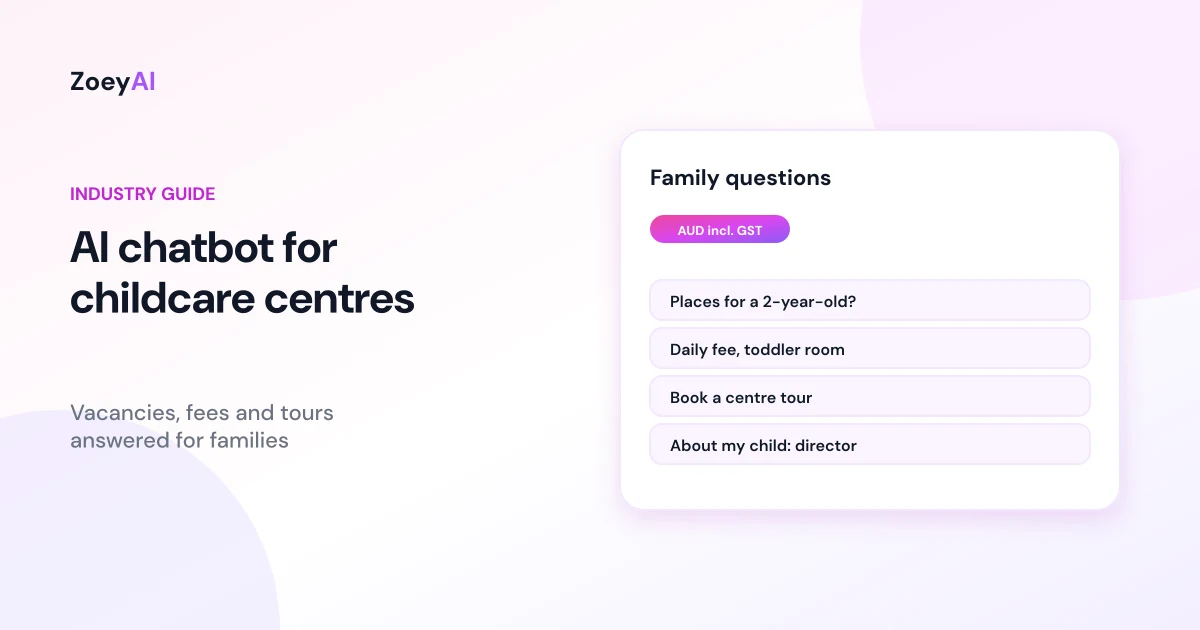
An AI chatbot for childcare centres answers the questions families ask on your website before they ever pick up the phone: do you have vacancies for a toddler on Tuesdays, what is the daily fee, what time do you open, are meals included, can we book a tour? Centre directors and office staff field these questions between room visits, arrivals and phone calls. Many parents also research childcare late at night, once the kids are asleep, when nobody is in the office to reply.
A chatbot can answer straight away from information your centre has approved, capture a tour or waitlist request and pass anything about an individual child to your team. This guide covers what a childcare chatbot should handle, where it must stop, how to talk about fees and the Child Care Subsidy, and how to check it is helping families rather than adding work for your educators.
What does an AI chatbot for childcare centres actually do?
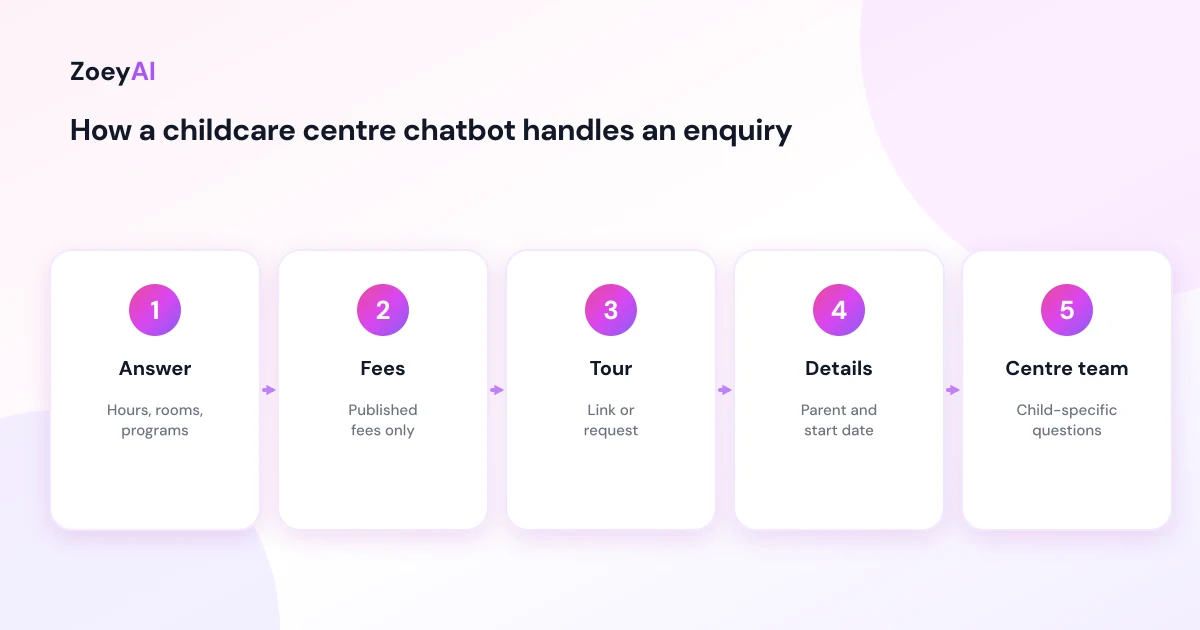
A well-set-up childcare chatbot sticks to four kinds of enquiry:
- Vacancies and waitlists. Which age groups or rooms you cater for, how your waitlist works and what details you need to add a family to it. The chatbot should not promise a place. It collects the request so your team can check availability and reply.
- Tours and enrolment. How to book a tour, what happens on an orientation visit, which forms you need and what to bring on the first day.
- Fees and inclusions. Published daily fees, what is included (for example meals, nappies or excursions) and your payment and absence policies.
- Practical details. Opening hours, public holiday closures, location, parking and drop-off arrangements.
What it should not do is give advice about a particular child's development, health, allergies or behaviour, estimate a family's subsidy, or make commitments on behalf of the centre. Those conversations belong to your director and educators.
Families compare centres before they contact you
Most families look at several services before they choose one. The Australian Government's Starting Blocks Find Child Care tool lets parents search for services near them and compare quality ratings, fees and service information. By the time a parent lands on your website, they often have a shortlist and specific questions.
That is where a chatbot helps. If your website answers the question instantly, in plain language, the family is more likely to take the next step with you, whether that is booking a tour or joining the waitlist. If they have to wait until Monday for an email reply, they may already have booked a tour somewhere else.
Make sure what the chatbot says matches what you publish elsewhere. If your fees or hours on Starting Blocks, your website and the chatbot all differ, families notice, and the conversation starts with doubt.
Fees: published prices only, and no subsidy estimates
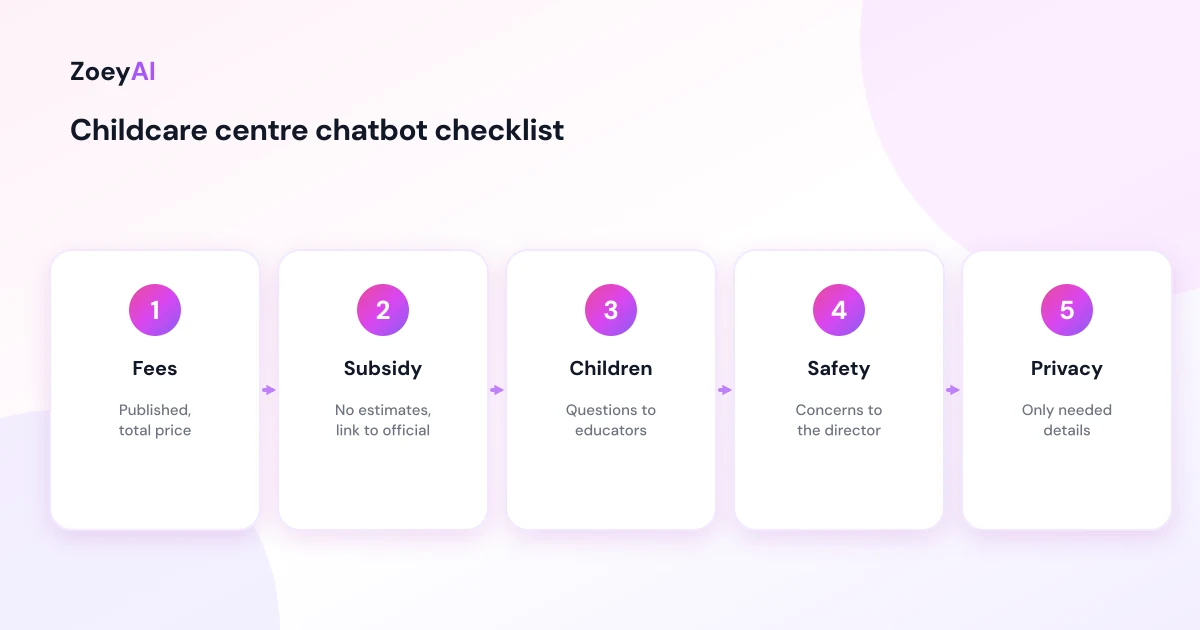
Fee questions are among the most common in childcare, and they need care. The ACCC's guidance on price displays says businesses must show clear, accurate prices before consumers commit, including a total price with all unavoidable fees. If your daily fee differs by room, or there is an enrolment or holding fee, the chatbot should say so plainly.
The harder part is the Child Care Subsidy. Parents often ask, "How much will I actually pay?" The honest answer depends on their circumstances. Services Australia explains how much Child Care Subsidy families can get, and the amount depends on factors such as family income and the type of care. Your chatbot should not try to calculate it. A good reply:
- States your published fee before any subsidy.
- Explains that the subsidy is assessed by Services Australia and depends on the family's circumstances.
- Links to the official Services Australia information.
- Offers to pass the question to your office if the family wants help understanding their statement or the enrolment process.
This keeps your centre out of the business of guessing someone's out-of-pocket cost, which is exactly the kind of answer that causes problems later.
Child-specific questions always go to your team
Parents often share detail in chat: "My son has a severe nut allergy, can you manage that?" or "My daughter is not talking much yet, is that normal?" These are important questions, and the chatbot should not answer them. It should acknowledge the question, explain that your director or educators will discuss it with the family, and capture the details needed for a call-back.
Child safety questions deserve the same approach. The National Principles for Child Safe Organisations set out how organisations working with children should put children's safety and wellbeing first, including how concerns are raised and responded to. A website chatbot is not part of that process. If a parent raises a concern about safety, wellbeing or an incident, the chatbot should give the phone number and direct the family to the director, rather than trying to collect or respond to the detail in chat.
Write these responses with your director, test them with several phrasings and keep them short.
Questions a childcare chatbot handles well
Typical questions a chatbot can answer from your own content:
- "Do you have places for a two-year-old?"
- "What are your opening hours?"
- "How much is a day in the toddler room?"
- "Are meals and nappies included?"
- "Can we book a tour on Saturday?"
- "How does your waitlist work?"
- "Do you run a kindergarten or preschool program?"
- "What should we bring on the first day?"
If an answer is not on your website yet, write it as a short FAQ in your centre's own words before adding it to the chatbot. Our guide on how to write chatbot FAQs shows how to keep each answer clear and short.
What to train a childcare chatbot on
Keep the knowledge base short, current and approved by your director:
- Centre details. Address, hours, public holiday closures, parking, drop-off and pick-up arrangements, phone number and email.
- Rooms and programs. Age groups, the names you use for each room, and any kindergarten or school readiness programs you publish.
- Fees and policies. Published daily fees, inclusions, enrolment or holding fees, payment, absence and late pick-up policies.
- Tours and enrolment. How to book a tour, the enrolment steps and the details your office needs: parent name, phone, email, child's first name, age or date of birth, preferred days and start date.
- A "never do" list. No advice about a child's health, development or behaviour, no subsidy estimates, no promises of a place, no prices you have not published and no responses to safety concerns beyond directing families to the director.
If your website already covers most of this, our guide on how to train an AI chatbot on your website content walks through scanning your site and filling the gaps.
Family details and privacy
A childcare chatbot collects personal information about parents and children: names, phone numbers, emails, ages and preferred start dates. The Privacy Act 1988 and the Australian Privacy Principles may apply to your service depending on its size and circumstances, and many providers follow them as good practice regardless.
Practical rules:
- Collect only what you need to arrange a tour or add a family to the waitlist.
- Do not ask for health, allergy, custody or Centrelink details in chat. Those belong in your enrolment process.
- Explain in your privacy policy how chat enquiries are stored and who can see them.
- Never take payment details in chat.
Make sure the greeting says it is an AI assistant. A simple opener works: "Hi, I'm the centre's AI assistant. I can help with vacancies, fees, hours and booking a tour. For anything about your child, our director will be happy to talk with you." Our chatbot greeting message examples include more openers you can adapt.
Human handover: get families to the right person
Route conversations by type:
- Tour and waitlist requests to the office or centre director, with preferred days and start dates.
- Fee, account and subsidy questions to the office.
- Questions about an individual child to the director or room leader, usually as a call-back.
- Safety concerns or complaints to the director, by phone.
ZoeyAI lets a team member take over a live conversation from the dashboard on Basic and Pro plans, and business hours settings let the chatbot tell families when the office will reply. For multi-centre groups, Pro adds up to 5 team seats so each centre's office can follow up its own enquiries.
How to tell if it is working
Track practical results rather than chat volume:
- Tour and waitlist requests captured, especially outside office hours
- How quickly your office follows them up
- Questions the chatbot could not answer, so you can add them to the knowledge base
- Conversations about individual children or safety, to check every one was passed to a person
- Accuracy, by reading a sample of conversations each week
What it costs
ZoeyAI pricing is in AUD and includes GST. There is a free Starter plan for live chat without AI. AI plans start at $29 a month incl. GST on Basic (100 conversations a month, knowledge base, website scanner, business hours and human takeover) and $79 a month incl. GST on Pro (250 conversations a month, up to 5 team seats, webhooks, CSV export and branding removal). Enterprise pricing is available on request, and every new account starts with a 7-day free trial. See the pricing section for current details.
Frequently asked questions
Can an AI chatbot for childcare centres tell parents if there is a vacancy?
It can explain which age groups you cater for and how your waitlist works, then capture the family's preferred days and start date. Your team should confirm actual availability, so the chatbot should never promise a place.
Can the chatbot work out a family's Child Care Subsidy?
No. The subsidy is assessed by Services Australia and depends on each family's circumstances. The chatbot should share your published fee, link to the official information and offer to pass questions to your office.
What should the chatbot do if a parent raises a safety concern?
Give your phone number and direct the parent to the centre director straight away. It should not try to collect details or respond to the concern in chat.
Can it book centre tours?
It can link families to your tour booking page or capture a tour request with preferred times for your office to confirm.
Should the chatbot say it is an AI?
Yes. A clear greeting sets expectations and makes it obvious that questions about a child go to your team.
Will a chatbot replace our office staff?
No. It answers routine questions and captures tour and waitlist requests when your team is busy with the children or the office is closed, so staff can follow up with families who are ready to talk.
Keep reading
"AI Chatbot for Event Venues: Answer Capacity and Package Questions and Capture Enquiries"
How an AI chatbot for event venues answers questions about spaces, capacity, published packages and policies, captures wedding, corporate and party enquiries with the right details, treats dates as requests rather than bookings and hands every lead to your events team.
"AI Chatbot for Funeral Homes: Calm Answers and a Fast Path to Your Staff"
How an AI chatbot for funeral homes answers practical questions about services, published prices and what to do first, uses a calm and respectful tone, never pressures families, protects privacy and connects people with your staff quickly, including after hours.