
Industries
"AI Chatbot for Photographers: Answer Package Questions and Capture Bookings"
By ZoeyAI · · 7 min read
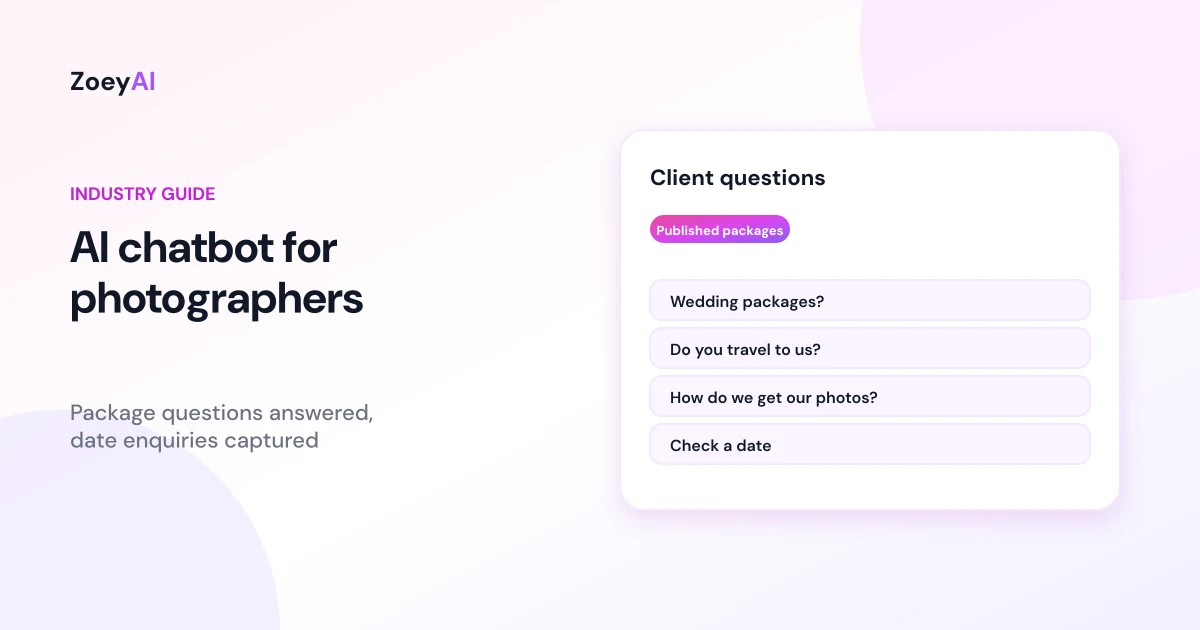
An AI chatbot for photographers answers the questions clients ask before they book: are you available on our wedding date, what is in each package, how many photos do we get, how long until we see them, do you travel? Photographers spend much of their time shooting, editing or driving between locations, so enquiries sit in the inbox while clients keep browsing other photographers' websites.
A chatbot can answer routine questions from your own website content, collect the details you need to check a date and send a proposal, and pass the enquiry to you. This guide covers what a photography chatbot should handle, where it should stop, and how to set it up so it brings in better enquiries without promising dates, deliverables or turnaround times you have not confirmed.
What does an AI chatbot for photographers do?
Whether you photograph weddings, families and newborns, corporate headshots, events, real estate or products, the chatbot works like a studio manager who is always on. It:
- Explains your services. The types of shoots you do, your style, studio or on-location sessions and any add-ons, described the way your website describes them.
- Answers practical questions. Where you are based, travel areas, what to wear, how sessions run, how galleries are delivered and how payment works.
- Quotes published packages only. If your website lists packages or starting prices, the chatbot can repeat them with what they include. If you send custom quotes, it says so and collects the details.
- Captures date enquiries. Name, phone, email, type of shoot, date, location and the package they are interested in.
- Routes existing clients. Questions about a gallery, an invoice or a change to the plan should reach you quickly.
Collect the details you need to reply with a proposal
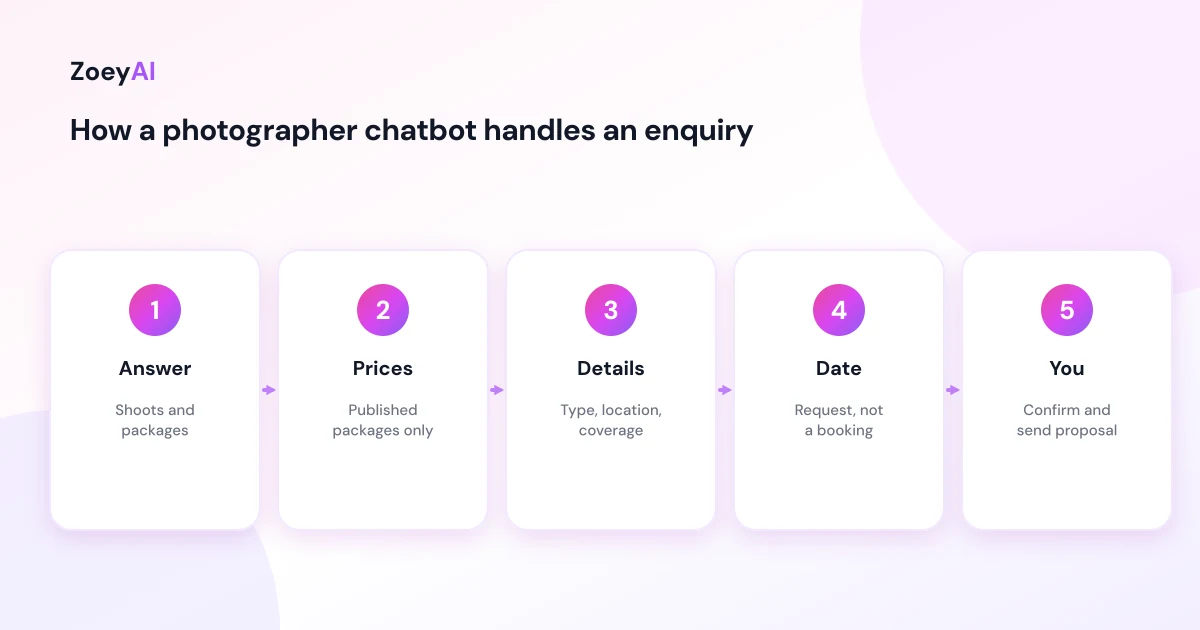
Most photography enquiries need the same handful of answers before you can reply properly. A chatbot can ask for them one question at a time:
- Type of shoot. Wedding, family, newborn, portrait, corporate, event, property or product.
- Date and time. As a requested date, not a confirmed booking.
- Location. Suburb, venue or city, so you can check travel.
- Package or coverage. The package they are looking at, or how many hours of coverage they need.
- Number of people. For family, group or corporate sessions.
- Anything else. Second shooter, albums, prints, video or a tight deadline.
In ZoeyAI you can set these up as custom lead fields, for example a "Type of shoot" dropdown with your own options, so the AI asks for them naturally and they arrive with every lead. Our guide to chatbot custom lead fields explains how to choose them.
Dates are requests, not bookings
The most common question in wedding and event photography is "Are you free on this date?" Unless the chatbot is connected to a live calendar that you keep accurate, it should never answer yes or no. A wrong "yes" can cost you a client and damage trust, and a wrong "no" loses a booking you could have taken.
A safer pattern is for the chatbot to say that it will pass the date to you to check, collect the details and tell the client when to expect a reply. If your website explains how bookings are secured, for example with a signed agreement and a deposit, the chatbot can repeat that process in the same words.
Prices, deliverables and turnaround
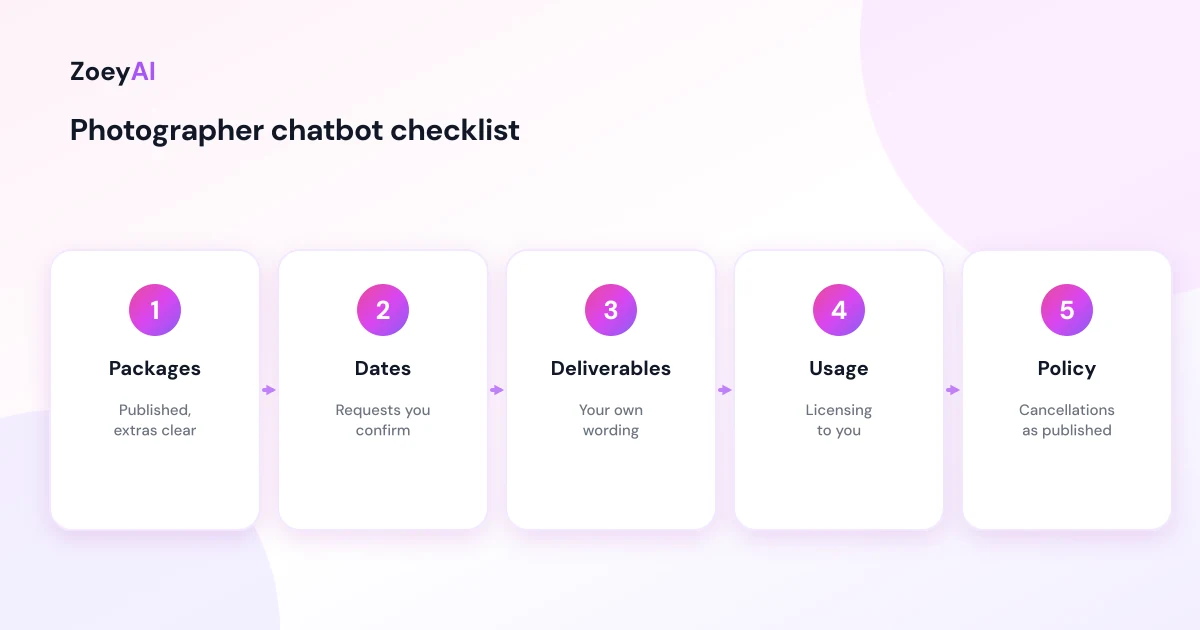
Give the chatbot only the prices that appear on your website, and make sure it explains what each package includes and what costs extra, such as travel, extra hours, albums or prints. The ACCC's guidance on price displays explains that businesses need to show clear, accurate prices and be upfront about extra fees, and that includes prices your chatbot quotes.
Be just as careful with deliverables and timeframes. Statements such as "you'll get 500 photos", "galleries in one week, guaranteed" or "every photo will be perfect" are claims your business would have to stand behind. The ACCC's guidance on false or misleading claims applies to everything your business says online, chatbot included. If your website gives an approximate number of images or a typical delivery time, the chatbot should use the same wording, including words like "approximately" or "typically".
Clients also have rights under the Australian Consumer Law, for example that services are provided with acceptable care and skill and within a reasonable time. The ACCC's page on consumer rights and guarantees explains that these rights cannot be excluded by anything a business says. Make sure the chatbot never suggests otherwise, for example with an unqualified "no refunds" message. Questions about cancellations, deposits and refunds are best answered with your published policy and then passed to you.
Image rights and usage questions
Clients often ask whether they can print their photos, post them online or use them for their business. These questions touch on copyright and licensing, and the right answer depends on your contract. The Attorney-General's Department's page on copyright gives an overview of how copyright works in Australia.
The chatbot can repeat a plain summary of your usage terms if your website includes one, such as "personal use and social media sharing are included". Anything about commercial use, licensing fees or raw files should go to you so the answer matches the agreement.
Questions a photography chatbot handles well
These appear on most photographers' websites and can be answered from your own content:
- "What is included in your wedding packages?"
- "Do you travel to the Sunshine Coast?"
- "How long is a family session?"
- "What should we wear for our photos?"
- "How do we receive our photos?"
- "Do you offer prints and albums?"
- "How do we secure a date?"
- "Do you do corporate headshots on site?"
Questions to pass to you include date confirmations, custom quotes, complaints, commercial licensing and anything about a specific client's gallery.
Make the first message easy
Many clients browse photographers on their phone, often comparing several at once. Quick reply buttons such as "Check a date", "Packages" and "Family sessions" help them start without typing. Our guide to chatbot quick reply buttons covers how to choose and word them.
The greeting matters too. A short, friendly opening that mentions the kinds of shoots you do helps clients know they are in the right place. See our chatbot greeting message examples for ideas you can adapt.
Handing enquiries to you
Once the chatbot has the details, it should tell the client what happens next, for example "I'll pass this to our photographer, who will check the date and email you a proposal" if that is how you work. ZoeyAI captures the enquiry as a lead with any custom fields you set up and notifies you. On Basic and Pro plans you can take over the conversation live from the dashboard when you are between shoots, and business hours settings let the chatbot say when you usually reply.
How to tell if it is working
Use your own records rather than general benchmarks:
- Date enquiries captured, particularly in the evening and on weekends
- How complete they are, for example whether you can reply with a proposal straight away
- How many become booked shoots
- Questions the chatbot could not answer, so you can add them to your website
- Common objections, such as price, travel or delivery times
What it costs
ZoeyAI pricing is in AUD and includes GST. There is a free Starter plan for live chat without AI. AI plans start at $29 a month incl. GST on Basic (100 conversations a month, knowledge base, website scanner, business hours and human takeover) and $79 a month incl. GST on Pro (250 conversations a month, up to 5 team seats, webhooks, CSV export and branding removal). Enterprise pricing is available on request, and every new account starts with a 7-day free trial. See the pricing section for current details.
Frequently asked questions
Can an AI chatbot for photographers check my availability?
Only if it is connected to a calendar you keep accurate. Otherwise it should collect the requested date and pass it to you to confirm.
Can the chatbot quote my packages?
Yes, it can repeat the packages and prices published on your website with what they include. For custom shoots it collects the details so you can send a quote.
What details should a photography chatbot collect?
Type of shoot, date, location, package or hours of coverage, number of people and any extras, plus the client's name and contact details.
Should the chatbot promise a number of photos or a delivery date?
Only in the exact words on your website, such as an approximate number or a typical turnaround. It should not guarantee results or deadlines.
Can the chatbot answer questions about image rights?
It can repeat a plain summary of your published usage terms. Commercial use, licensing and raw file requests should go to you.
Will a chatbot replace my enquiry emails?
No. It answers routine questions and collects details so the first email you send can be a proposal rather than a list of questions.
Keep reading
"AI Chatbot for Event Venues: Answer Capacity and Package Questions and Capture Enquiries"
How an AI chatbot for event venues answers questions about spaces, capacity, published packages and policies, captures wedding, corporate and party enquiries with the right details, treats dates as requests rather than bookings and hands every lead to your events team.
"AI Chatbot for Funeral Homes: Calm Answers and a Fast Path to Your Staff"
How an AI chatbot for funeral homes answers practical questions about services, published prices and what to do first, uses a calm and respectful tone, never pressures families, protects privacy and connects people with your staff quickly, including after hours.