
Industries
"AI Chatbot for Restaurants and Cafes: Answer Diners Faster Without Extra Staff"
By ZoeyAI · · 7 min read
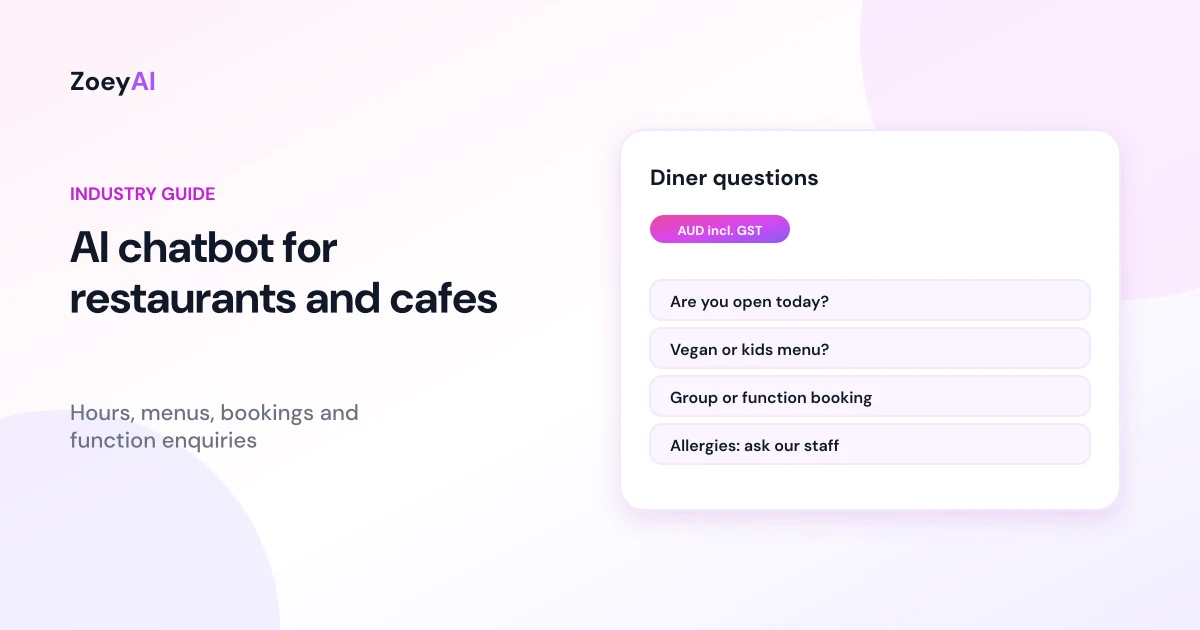
An AI chatbot for restaurants and cafes answers the questions diners ask before they visit: are you open today, do you take bookings, is there a kids' menu, do you have vegan options, can we bring a cake, is there parking? It also captures function and group enquiries with the details your manager needs to follow up. During service, nobody has time to answer the phone or reply to website messages, so those questions often go unanswered until the next morning. A chatbot can reply straight away, using information you have approved.
This guide covers what a chatbot for a restaurant, cafe, bar or takeaway should and should not do, how to handle allergen questions safely, what to train it on and how to tell whether it is helping.
What does an AI chatbot for restaurants and cafes actually do?
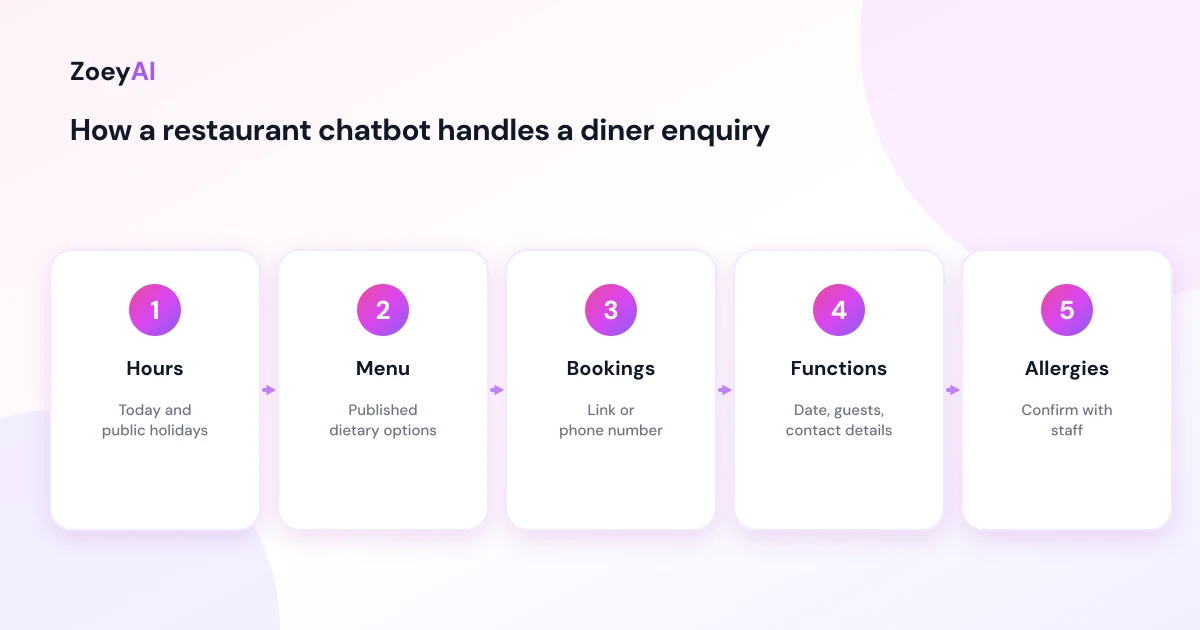
Most hospitality questions are simple and repeated many times a week. A chatbot trained on your website, menu and a short set of approved answers can handle them in seconds. A well-set-up chatbot does four things:
- Answers venue questions. Opening hours, public holiday trading, location, parking, accessibility, dress code, whether dogs are welcome in the outdoor area, BYO rules and corkage, and whether you take walk-ins.
- Explains the menu. Which dishes are vegetarian or vegan, whether there is a kids' menu, set menus for groups and where to find the current menu.
- Captures function and group enquiries. Name, phone, email, date, number of guests and the type of event, so your manager can send a proper quote.
- Points people to bookings. If you use an online booking system, the chatbot can link to it. If you take bookings by phone, it can give the number and your booking hours.
What it should not do is confirm a booking it cannot see, promise a table, invent specials, or tell someone a dish is safe for their allergy. Those need your booking system, your staff or your kitchen.
Allergen questions: handle them carefully
Allergy questions are the most important thing to get right. In Australia, the Food Standards Code requires certain foods and ingredients to be declared. Food Standards Australia New Zealand explains that for food not required to bear a label, such as food provided at a cafe or takeaway, declarations must be displayed in connection with the food or provided to the purchaser on request.
A chatbot can help people find that information, but it should not be the final word on whether a meal is safe for someone. Ingredients change, suppliers change, and cross-contact in a kitchen is hard to describe in a chat reply. A safe approach:
- Share what you publish. If your menu marks dishes as gluten-free or vegan, the chatbot can repeat that, word for word.
- Always add a staff check. For any allergy question, the chatbot should say something like: "Please tell our staff about your allergy when you order so the kitchen can advise you."
- Never say "safe" or "allergen-free" unless that exact claim is on your approved menu and you are confident in it.
- Give a contact. Offer the phone number so someone with a serious allergy can speak to the venue before visiting.
For general information about food allergy, the Australasian Society of Clinical Immunology and Allergy (ASCIA) publishes resources for the public and for food service. Linking to official sources is better than letting a chatbot improvise.
The enquiries a hospitality chatbot handles best
Typical questions a chatbot can answer from your own content:
- "Are you open on Monday?"
- "What time does the kitchen close?"
- "Do you have high chairs?"
- "Can I book for 12 people on Saturday?"
- "Do you do private functions?"
- "Is there a set menu for groups?"
- "Do you have gluten-free options?"
- "Can I order takeaway?"
Function and group enquiries are often the most valuable. A birthday dinner or a work Christmas party can be worth far more than a standard table. Capture the date, numbers, budget range if the customer offers one, and contact details, then make sure someone replies quickly. Our guide to AI chatbots for after-hours enquiries covers what to say when your team is in the middle of service or closed for the night.
What to train a restaurant or cafe chatbot on
Keep the sources simple and current:
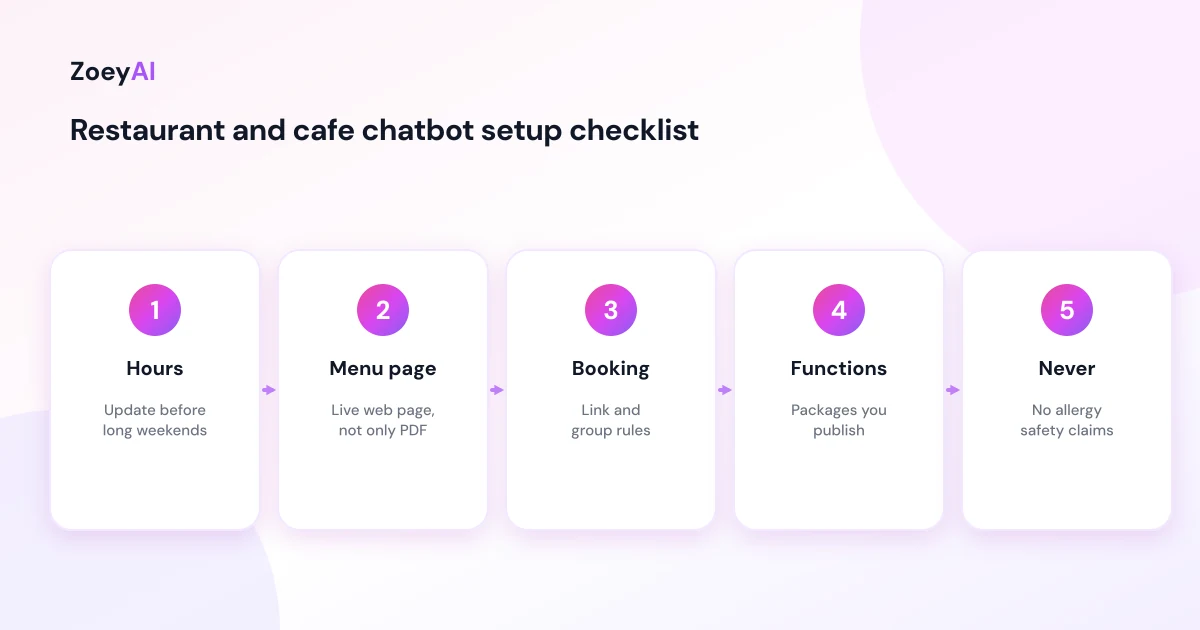
- Opening hours and public holiday trading. This is the most common question, so update it before every long weekend.
- Your current menu. A web page is easier to keep accurate than a PDF.
- Booking rules. Group sizes, deposits if you take them, time limits on tables and how far ahead people can book.
- Function packages. Room sizes, minimum spends and set menus, but only if you publish them.
- Venue details. Parking, public transport, accessibility, high chairs, outdoor seating and pet rules.
- A short "never do" list. No allergy safety claims, no confirming bookings, no invented specials or prices.
If your website is out of date, fix that first. A chatbot that says you open at 7 am when you now open at 8 am is worse than no chatbot. Our guide on how to train an AI chatbot on your website content walks through the process.
Marketing messages and privacy
If the chatbot collects email addresses or phone numbers, be clear about why. Using someone's details to reply to their function enquiry is different from adding them to a newsletter. Under the Spam Act, commercial emails and texts generally need consent and an easy way to unsubscribe. The ACMA's guide to avoiding sending spam explains the basics.
Collect only what you need. For a group booking, that is usually name, contact details, date and guest numbers. The OAIC's Australian Privacy Principles are a good reference for how to handle that information.
Human handover during and after service
Decide in advance who sees chat enquiries and when:
- During service. The chatbot answers routine questions and captures details. A manager checks new enquiries between rushes.
- After close. The chatbot tells people when the venue reopens and when they can expect a reply.
- Immediately. Complaints, serious allergy questions and anything about a booking for tonight should go to a person by phone.
ZoeyAI lets a team member take over a live conversation from the dashboard on Basic and Pro plans, and business hours settings tell visitors when someone is available. Our human handover best practices explain how to make that switch smooth.
How to tell if it is working
Look at practical signs rather than raw chat counts:
- Fewer repeated phone calls about hours and parking
- Function and group enquiries captured, especially outside opening hours
- Questions the chatbot could not answer, so you can add them to your content
- Any reply that was wrong, so you can correct the source
Read a handful of transcripts each week for the first month. Hospitality details change quickly, and transcripts show you where your information has drifted.
What does it cost?
ZoeyAI pricing is in AUD and includes GST. There is a free Starter plan for live chat without AI. AI plans start at $29 a month incl. GST on Basic (100 conversations a month, knowledge base, website scanner, business hours and human takeover) and $79 a month incl. GST on Pro (250 conversations a month, up to 5 team seats, webhooks, CSV export and branding removal). Enterprise pricing is available on request, and every new account starts with a 7-day free trial. See the pricing section for current details.
Frequently asked questions
Can an AI chatbot for restaurants and cafes take bookings?
It can point people to your online booking system or give your booking phone number. It should not confirm a table it cannot see in your booking system.
Should a restaurant chatbot answer allergy questions?
It can share allergen information you have published, such as which dishes are marked gluten-free, but it should always tell diners to confirm their allergy with staff when ordering. It should never promise a dish is safe.
What is the most useful thing a cafe chatbot does?
For many venues it is simply answering "are you open?" accurately, including public holiday hours. Function and group enquiries captured after hours are often the most valuable.
Will a chatbot replace front-of-house staff?
No. It handles routine questions on your website so staff can focus on diners in the venue. Complaints, special requests and anything urgent should still go to a person.
How do I keep the chatbot's menu answers accurate?
Keep your menu on a web page rather than only in a PDF, update it when dishes change, and retrain or rescan your site after each change.
Can the chatbot collect emails for our newsletter?
Only with clear consent. Replying to an enquiry is a different purpose from sending marketing, so ask separately and include an easy way to unsubscribe.
Keep reading
"AI Chatbot for Event Venues: Answer Capacity and Package Questions and Capture Enquiries"
How an AI chatbot for event venues answers questions about spaces, capacity, published packages and policies, captures wedding, corporate and party enquiries with the right details, treats dates as requests rather than bookings and hands every lead to your events team.
"AI Chatbot for Funeral Homes: Calm Answers and a Fast Path to Your Staff"
How an AI chatbot for funeral homes answers practical questions about services, published prices and what to do first, uses a calm and respectful tone, never pressures families, protects privacy and connects people with your staff quickly, including after hours.